
Troubleshoot Proxy Timeouts and Pages That Fail After a Successful Check
A successful proxy check proves only the steps covered by that particular check. It does not establish that every website, application, and page resource will work. Identify the failing stage before changing settings, rather than replacing the protocol, port, credentials, and region together.
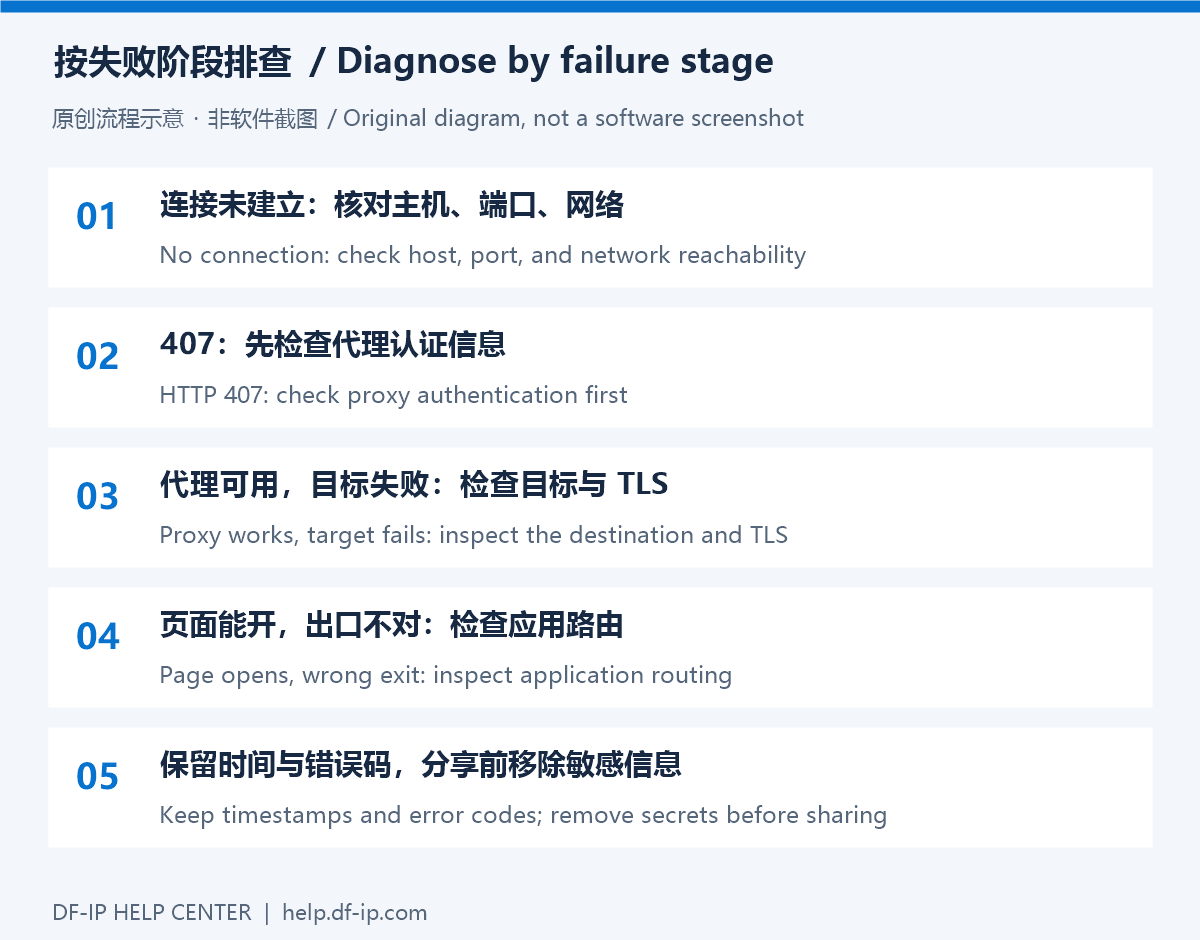
Classify the symptom
| Symptom | Inspect first | Next action |
|---|---|---|
| Timeout connecting to the proxy | Host, protocol port, and local reachability | Compare the original record and a compatible client |
| HTTP 407 | Full credentials and authentication settings | Follow authentication troubleshooting |
| One site fails while others work | Destination status, TLS, regional rules, resource hosts | Separate target behavior from proxy connectivity |
| Page opens but the exit is unchanged | Application settings and rule matching | Verify within the same app and inspect client logs |
| Text works but large transfers stall | Resource size, concurrency, read timeout | Measure a small workload before increasing volume |
Establish a stable baseline
Check the current host and matching port. Static connections must be valid; dynamic connections need available balance and complete fields from one extraction result. Preserve the connection while testing. Compare a simple reachable HTTPS page with the real business destination.
The gateway is not necessarily the exit. A dynamic gateway differing from an exit-check result is not evidence of failure. Check the exit inside the application that uses the proxy, recording the service and timestamp.
Confirm the application route
Start the configured fingerprint-browser profile before testing. A normal browser or terminal is not a substitute. In Proxifier, inspect whether the intended process matches the proxy rule; a Direct entry calls for checking the rule first. Windows system proxy settings do not guarantee that every program follows them.
For code, configure the proxy explicitly, set bounded timeouts, and inspect status codes. Establish a baseline with the Python or Node.js example before comparing your business logic.
Separate target responses from transport failures
A destination response such as 403, 404, 429, or 5xx needs its own diagnosis: permissions, paths, rate limits, or service health. Keep the status and a sanitized response summary. These are not all equivalent to an unreachable proxy. For TLS errors, inspect the clock, certificate chain, and trust configuration instead of disabling verification.
If only large transfers fail, record transfer volume, concurrency, and failure timing. Compare a suitable read timeout or lower concurrency. Bound transient-error retries with backoff; repair authentication or parameter errors first, and check whether state-changing requests are safe to retry.
If needed, send official support a sanitized timestamp, protocol, port, client version, status, and minimal reproduction. Review balance and expiry in the DF-IP console; for a clear 407, start with the authentication guide.