
Use DF-IP with Python Requests: HTTP Proxy Authentication and Timeouts
Connect Python Requests through a DF-IP HTTP proxy with credential encoding, bounded timeouts, and controlled verification.
This guide uses an existing DF-IP HTTP proxy for outbound Python requests. Retrieving a connection from the provisioning API and sending a request through that connection are separate operations. The example performs only the second; it does not purchase proxies or extract new sessions.
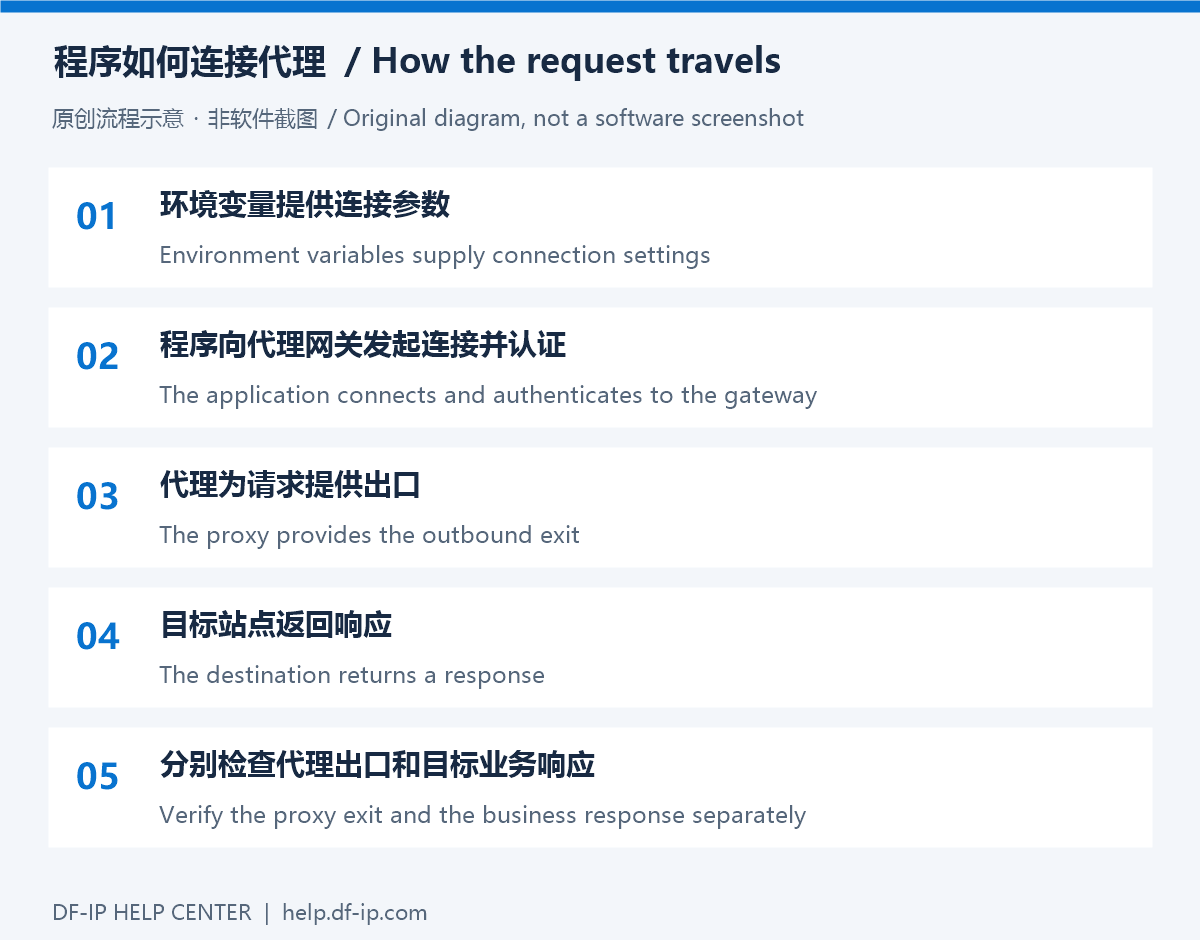
Prepare the DF-IP connection
For static residential proxies, copy an active purchased record's IP, matching protocol port, proxy_username, and proxy_password. For dynamic residential proxies, choose the region, protocol, and session options before extraction. The default output is username:password@host:port; preserve the full generated username and password. These are proxy credentials, not your website password or API key.
| Field | Required value |
|---|---|
| Host | Static IP or dynamic gateway, without a URL scheme |
| Port | Static http_port for HTTP or s5_port for SOCKS5; the selected protocol's extracted port for dynamic proxies |
| Username and password | Complete credentials from the same connection; do not mix extraction results |
For automated retrieval, see static record queries and dynamic extraction.
Environment and connection values
Inject these values through your runtime environment or secret manager. The example accepts an IPv4 address or DNS hostname, not an IPv6 literal.
| Variable | Value |
|---|---|
DFIP_PROXY_HOST | HTTP proxy host without a URL scheme |
DFIP_PROXY_PORT | HTTP port, from 1 to 65535 |
DFIP_PROXY_USERNAME, DFIP_PROXY_PASSWORD | Complete proxy credentials |
DFIP_TEST_URL | An HTTPS test URL you may access; defaults to example.com |
Keep real credentials out of source control, URL screenshots, and shared logs. The example avoids printing proxy URLs, authentication fields, or full exception objects.
Install and run
Install requests in your Python virtual environment. Save the following as check_proxy.py, inject the environment values, and run python check_proxy.py. This is a connection example, not a report that your real proxy has already been tested.
import os
import sys
from urllib.parse import quote

import requests


def required(name):
    value = os.environ.get(name, "")
    if not value:
        raise ValueError("Missing setting: " + name)
    return value


def main():
    try:
        host = required("DFIP_PROXY_HOST").strip()
        port = int(required("DFIP_PROXY_PORT"))
        if not host or any(c in host for c in "/:@?#[]\\") or any(c.isspace() for c in host):
            raise ValueError("Use an IPv4 address or DNS host without a URL scheme")
        if not 1 <= port <= 65535:
            raise ValueError("Invalid proxy port")
        username = quote(required("DFIP_PROXY_USERNAME"), safe="")
        password = quote(required("DFIP_PROXY_PASSWORD"), safe="")
        proxy_url = f"http://{username}:{password}@{host}:{port}"
        target = os.environ.get("DFIP_TEST_URL", "https://example.com/")
        if not target.startswith("https://"):
            raise ValueError("Use an HTTPS test URL")
    except ValueError:
        print("Invalid or missing connection settings", file=sys.stderr)
        return 1

    try:
        with requests.Session() as session:
            session.trust_env = False
            response = session.get(
                target,
                proxies={"http": proxy_url, "https": proxy_url},
                timeout=(10, 30),
                allow_redirects=False,
            )
            response.raise_for_status()
            print("HTTP status:", response.status_code)
            print("Response bytes:", len(response.content))
    except requests.RequestException as exc:
        print("Request failed:", type(exc).__name__, file=sys.stderr)
        return 1
    return 0


if __name__ == "__main__":
    sys.exit(main())
Configuration details
Requests proxy-map keys identify the destination scheme. An HTTPS destination can therefore use an http:// proxy URL. Encode the username and password separately when building that URL. Consult the official Requests proxy documentation for proxy configuration and optional SOCKS support.
This example supplies the proxy explicitly and disables environment discovery to reduce interference from other proxy variables. trust_env=False also affects environment-based certificate settings; if you require an enterprise CA, configure a trusted CA file explicitly rather than disabling verification. The 10-second connect and 30-second read timeouts are not a single wall-clock deadline for the whole task.
Interpret the result
Check the returned status. To verify the exit, set DFIP_TEST_URL to a trusted HTTPS exit-check endpoint and inspect its documented response fields during controlled local debugging. The example prints only status and response length. A 200 response from an ordinary page does not establish the exit region.
Redirects are disabled. Requests does not treat 3xx as an error in raise_for_status(), so inspect the printed status and review the destination before enabling redirects. Do not blindly retry state-changing requests.
For SOCKS5, install the optional extra:
python -m pip install "requests[socks]"
Then adapt the proxy URL; socks5h delegates hostname resolution to the proxy. The main example remains HTTP. Continue with 407 troubleshooting or timeout diagnosis if needed, using connection values from the DF-IP console.