
Fix HTTP 407 Proxy Authentication Errors with DF-IP
HTTP 407 means the proxy requires authentication or the supplied authentication did not satisfy it. Check proxy credentials before changing a website password, switching regions, or purchasing another plan. This is a different layer from a destination website's 401 login response. See [MDN's 407 reference](https://developer.mozilla.org/en-US/docs/Web/HTTP/Reference/Status/407).
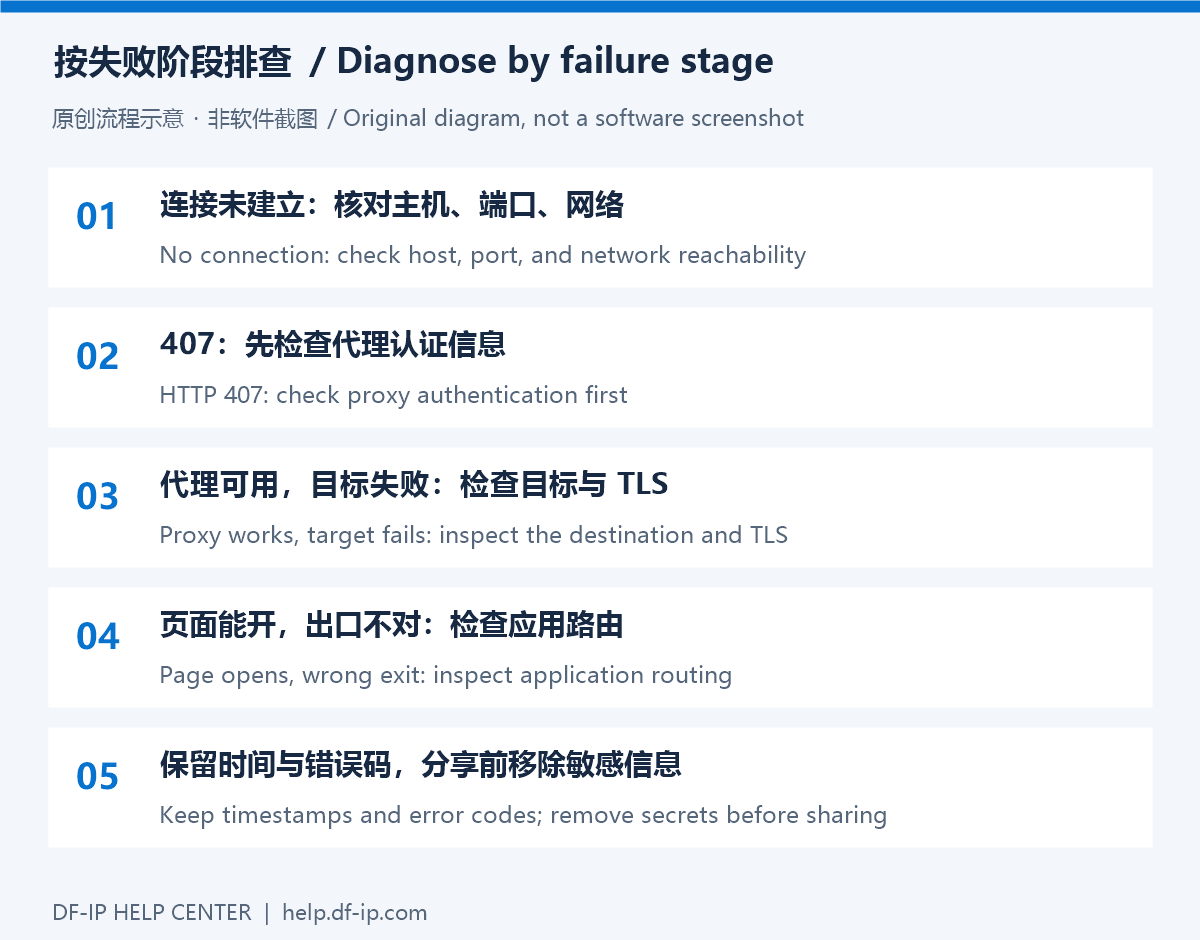
Check the credential source
| Connection | Correct source | Common mistake |
|---|---|---|
| Static residential | An active record's proxy_username and proxy_password | Website credentials, an expired record, or another IP's password |
| Dynamic residential | Full username and password from one extraction result | A base account name, truncated fields, or mixed extraction results |
| Application code | The client's proxy-authentication configuration | An API key used as a proxy password, or origin authentication fields |
This guide starts with HTTP 407. SOCKS5 clients may display a protocol-specific authentication message instead; the credential checks still help, but the error code need not match.
Work through these checks
- Match protocol and port. Static HTTP uses
http_port; SOCKS5 usess5_port. Use the protocol selected during dynamic extraction. - Copy complete fields from one connection. Remove accidental quotes, surrounding whitespace, and JSON brackets. Keep the complete connection string out of a host-only field.
- Enable authentication in the client. Some clients require a separate authentication toggle. Windows system settings do not provide universal credential storage, so confirm whether the application can prompt for proxy authentication.
- Check encoding. Encode username and password components when constructing a URL. Separate fields and an Axios
authobject normally take the original values; do not encode them twice. - Review connection status. Check static expiry, dynamic balance, and whether credentials changed. These conditions can produce other errors too; 407 alone does not identify a billing cause.
Retest one connection
Use one compatible client and a simple test destination. If it works, compare that configuration with the original application. Avoid repeatedly extracting new dynamic sessions during diagnosis, which makes it easy to mix new and old credentials.
If the failure persists, collect the timestamp, client version, proxy type, port, error status, and a redacted screenshot for official support. Do not share full proxy URLs, authentication headers, or plaintext passwords.
If authentication succeeds but the page still fails, continue with timeout and destination diagnosis. See the Python and Node.js examples for code configuration, and verify current details in the DF-IP console.