
Check Regional Ad Landing Pages with Residential Proxies
Residential proxies can help your team check whether its own landing pages redirect correctly, load resources, and complete form flows in selected regions. Treat this as quality assurance: open an approved landing-page URL directly rather than clicking live paid ads to generate traffic or judge campaign performance.
Define the checks
| Check | Expected behavior | Record |
|---|---|---|
| Initial redirect | Correct region or language page | Original URL, final URL, redirect count |
| Resources | Working images, scripts, and styles | Failed resources and HTTP status |
| Offers and currency | Correct regional campaign settings | Currency, copy, and campaign dates |
| Form flow | Consistent validation and confirmation | Steps, messages, and screenshots |
| Request behavior | Within your team's acceptance criteria | Completion time, timeouts, and exit IP |
The exit address is only one regional signal. Language, cookies, login state, and URL parameters may also affect the page. Do not attribute every difference to the proxy.
Hold the connection constant
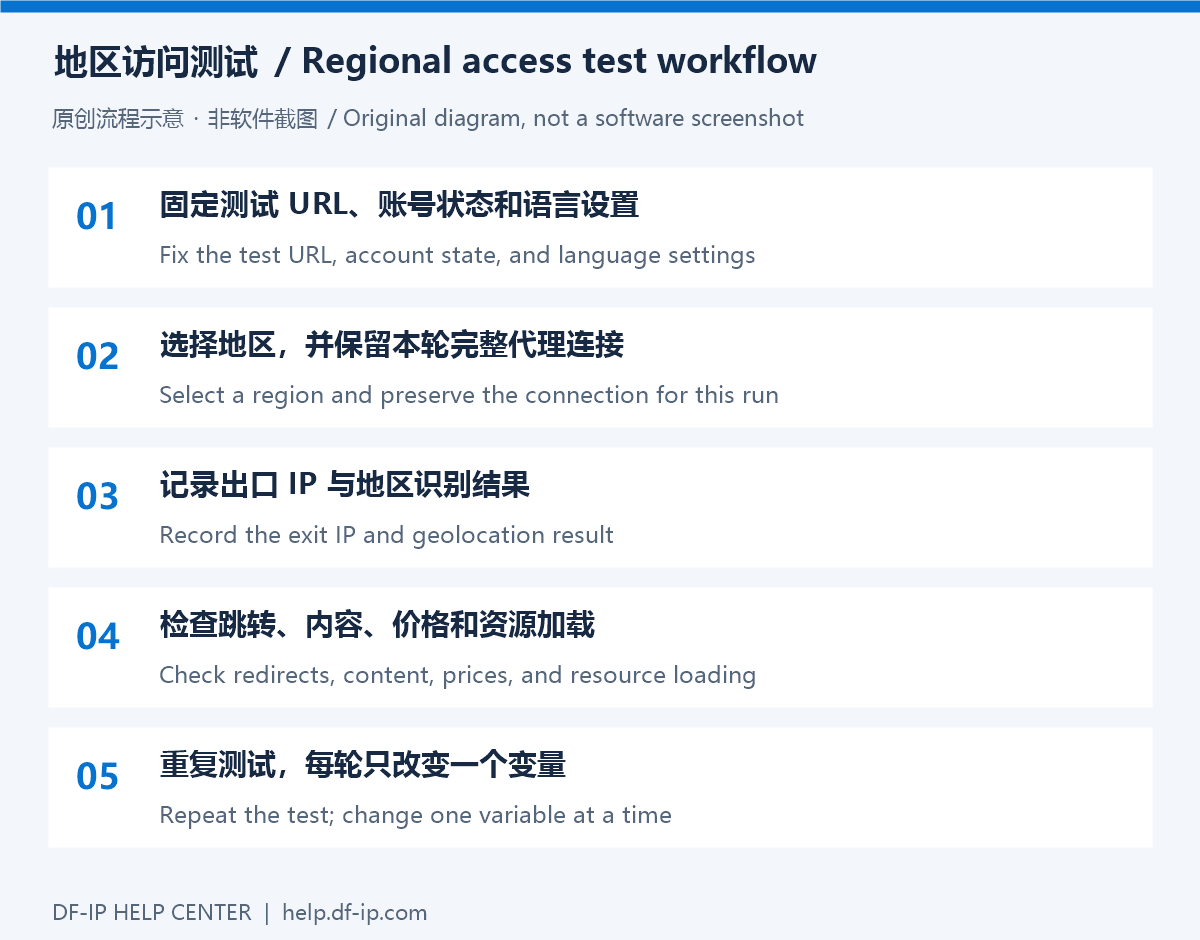
Evaluate static residential proxies for repeated checks using an assigned exit. For sampling several regions, consider dynamic residential extraction using currently available locations. Preserve the complete connection and session settings throughout one workflow; extracting again halfway through a form adds an uncontrolled variable.
Use a browser setup tutorial, start the configured profile, and record its exit before opening the landing page. Also record the account, browser language, and cookie state. Available regions and session durations must be checked against your actual account and observed connection.
Run the review
Open the team's test URL directly and record its final destination. Use an agreed test environment or analytics-exclusion mechanism when available. Check primary content and resources before exercising validation, confirmation, and return paths. For order or payment flows, use the team's test mode or stop at the agreed checkpoint.
For an anomaly, retain the timestamp, selected region, observed exit, status code, and a redacted screenshot. Repeat within the same region, then change only the proxy region for comparison. Avoid changing language, account state, and network simultaneously.
These checks can reveal accessibility and rendering problems. They do not establish that an ad was served or measure actual conversion rates. If regional classification differs, compare the exit-check result with the destination's regional behavior and continue with localization testing.
Choose a connection in the DF-IP console and use the cost planning guide to size the review workload.